Digital Eye Strain: How to Protect Your Eyes in an Always-Connected World
Listen to this post · 8 min
Read aloud by a synthetic voice.
A practical, no-panic guide for people who work on screens all day, wherever in the world they are.
Count your screens before lunch. The phone that wakes you up. The laptop where your inbox is already waiting. The second monitor for spreadsheets, the meeting-room display, the smartwatch buzzing on your wrist, and the phone again on the train, in the lift, in the queue for coffee. Whether you work in Taipei, London, Lagos or São Paulo, the story is much the same: for most working people today, the eyes are the hardest-working part of the body, and they get almost no rest from the moment we wake until we fall asleep with a screen still glowing on the nightstand.
The good news is that you don't need to quit your job, throw away your phone or buy expensive gadgets to look after your eyes. You need to understand what actually tires them, and then build a few small habits around that.
First, let's clear up the blue-light worry
Many of us were told the villain is blue light, and blue-filter coatings are now sold almost everywhere glasses are sold. The evidence is surprisingly weak. A 2023 Cochrane review that pooled 17 randomised trials concluded that blue-light filtering glasses probably make no difference to eye strain from computer use. The American Academy of Ophthalmology (AAO) likewise notes that the small amount of blue light from screens has never been shown to harm the eyes. Sunlight is a different story: it carries far more blue and ultraviolet light, which is one reason good sunglasses still matter.
So if the screen isn't burning our retinas, why do our eyes feel so dry, tired and blurry by six o'clock? The answer has less to do with the light and more to do with how we look.
We forget to blink
When we concentrate on a screen, blinking quietly slows down. According to the AAO, we normally blink about 15 times a minute, and that rate can fall by half while we stare at a screen. Each blink spreads a fresh layer of tears across the eye. Fewer blinks mean a drier, grittier surface. Add office air-conditioning, a fan blowing across your desk or contact lenses worn for twelve hours, and you have the classic recipe for that sandpaper feeling.
The fix is almost embarrassingly simple. When your eyes feel dry, do a few slow, complete blinks: close the lids fully, pause for a second, then open. Lubricating drops (artificial tears) can help too, and on long screen days, switching from contacts to glasses gives the surface of the eye a break.
About 15 blinks a minute normally. Roughly half that when we stare at a screen.
Source: American Academy of Ophthalmology
Give your focus muscles a rest: 20-20-20
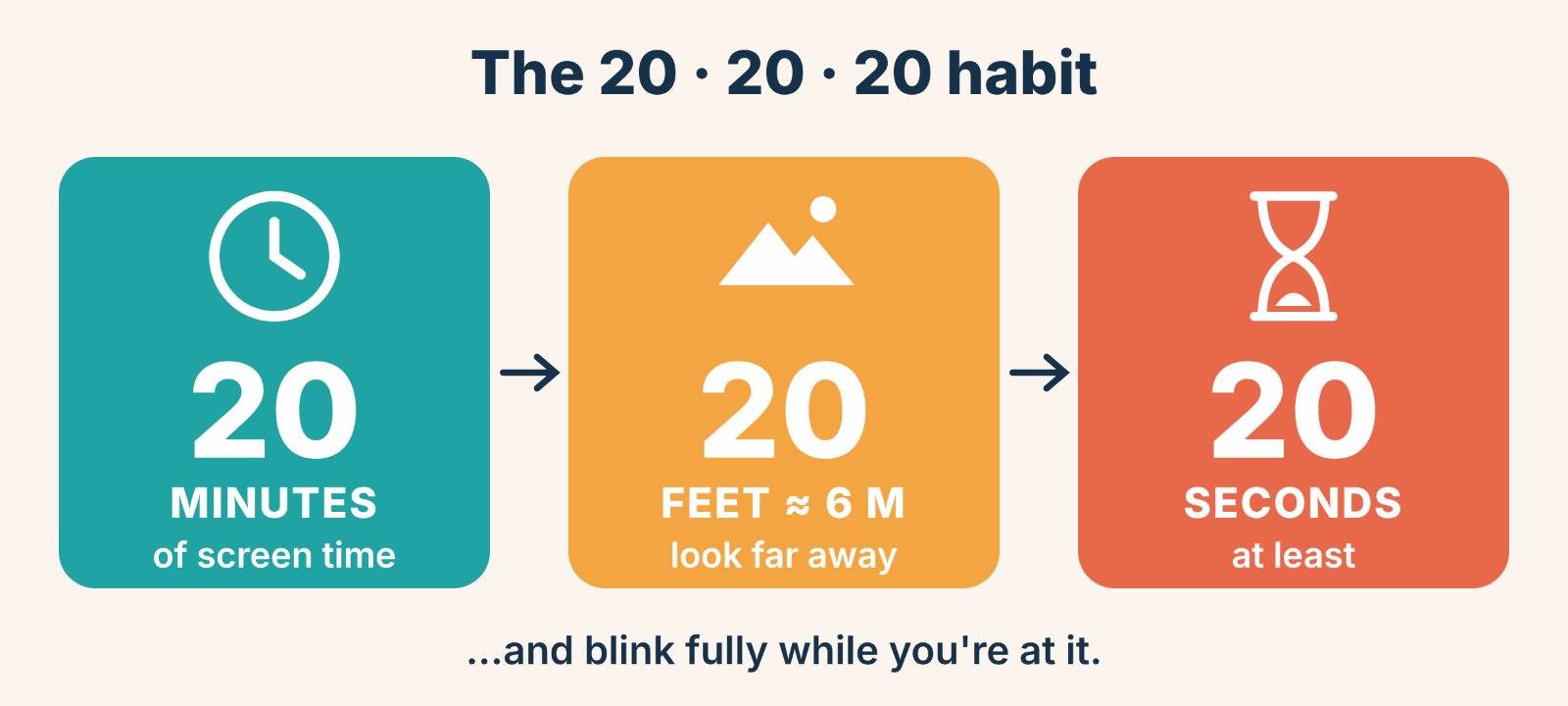
Looking at something close keeps the tiny focusing muscles inside the eye contracted. One optometrist compares it to holding a light weight over your head for hours: easy to lift, exhausting to hold. That is where the well-known 20-20-20 rule comes in. Every 20 minutes, look at something about 20 feet (6 metres) away for at least 20 seconds.
Eye doctors admit there isn't a mountain of data behind those exact numbers; it's a rule of thumb. The principle is sound, though: shifting your focus into the distance lets those muscles relax, and it reminds you to blink. The trick is making it automatic. Tie it to something you already do, such as sending an email, ending a call or refilling your water bottle. Stick a note on your monitor, or set a gentle timer.
Set up your screen like you mean it
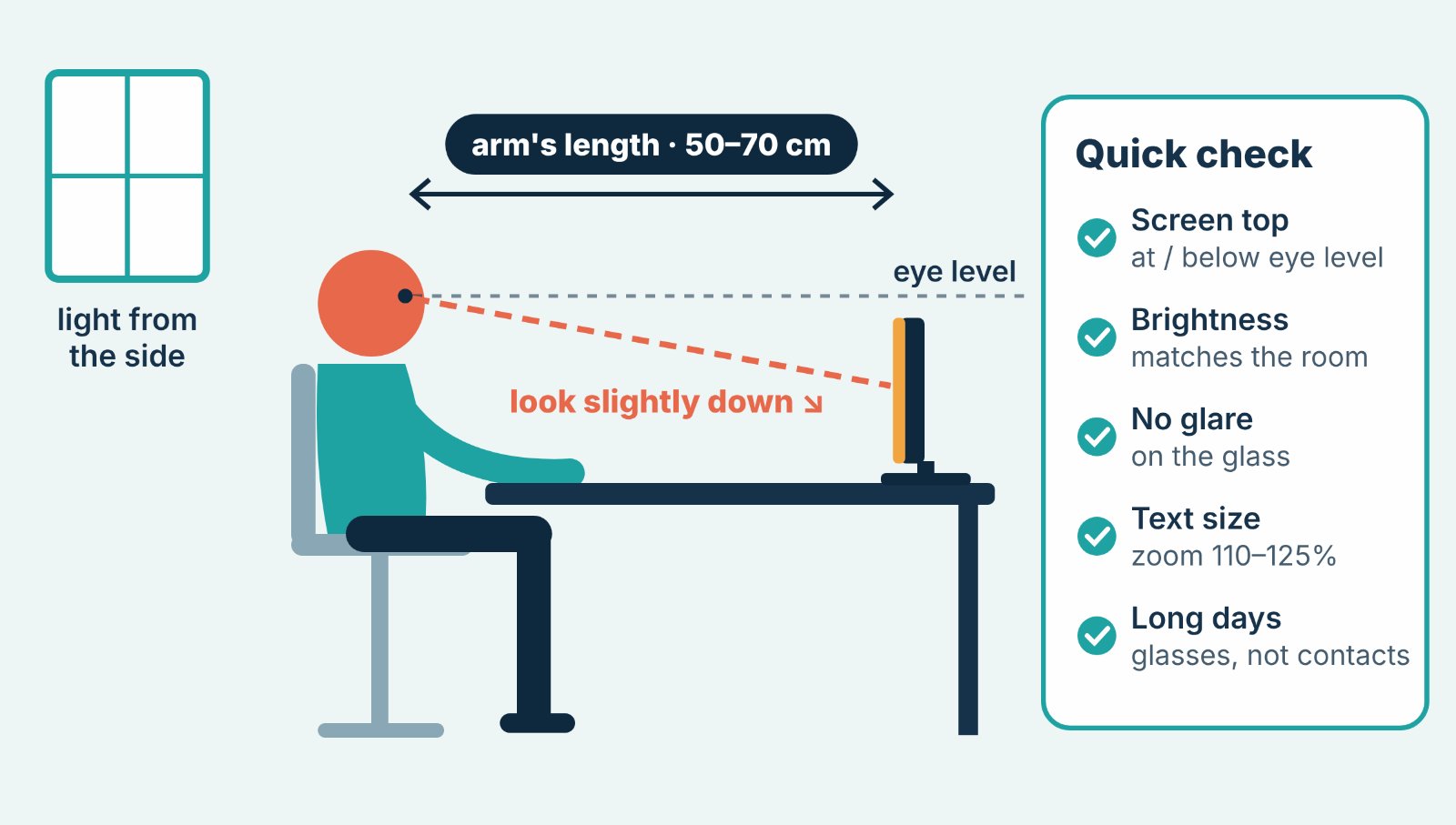
A few minutes of desk adjustment pay off every single working day:
- Distance: keep your main screen about an arm's length away, roughly 50–70 cm (around 25 inches).
- Height: put the top of the screen at or slightly below eye level, so you look slightly downward. More of your eyelid then covers the eye, which slows drying. For laptop users, a stand and an external keyboard are one of the best small investments you can make.
- Brightness: match the screen to the room. A blazing screen in a dim room, or a dim screen beside a sunny window, makes your eyes work harder.
- Glare: place screens side-on to windows rather than in front of or behind them, and try a matte filter if overhead lights reflect off the glass.
- Text size: if you find yourself leaning in, the text is too small. Zoom to 110–125%. There's no prize for squinting.
Your phone deserves the same respect
We hold phones closer than any other screen, often only 20–30 cm from the face, and frequently on a moving train or in a dark bedroom. Make the font bigger, hold the phone a little farther away, and avoid scrolling in total darkness. Keep a soft light on in the room so your eyes aren't jumping between a bright rectangle and a black background. And now and then, let the commute be a time to look out of the window instead of down.
Go outside, and look far
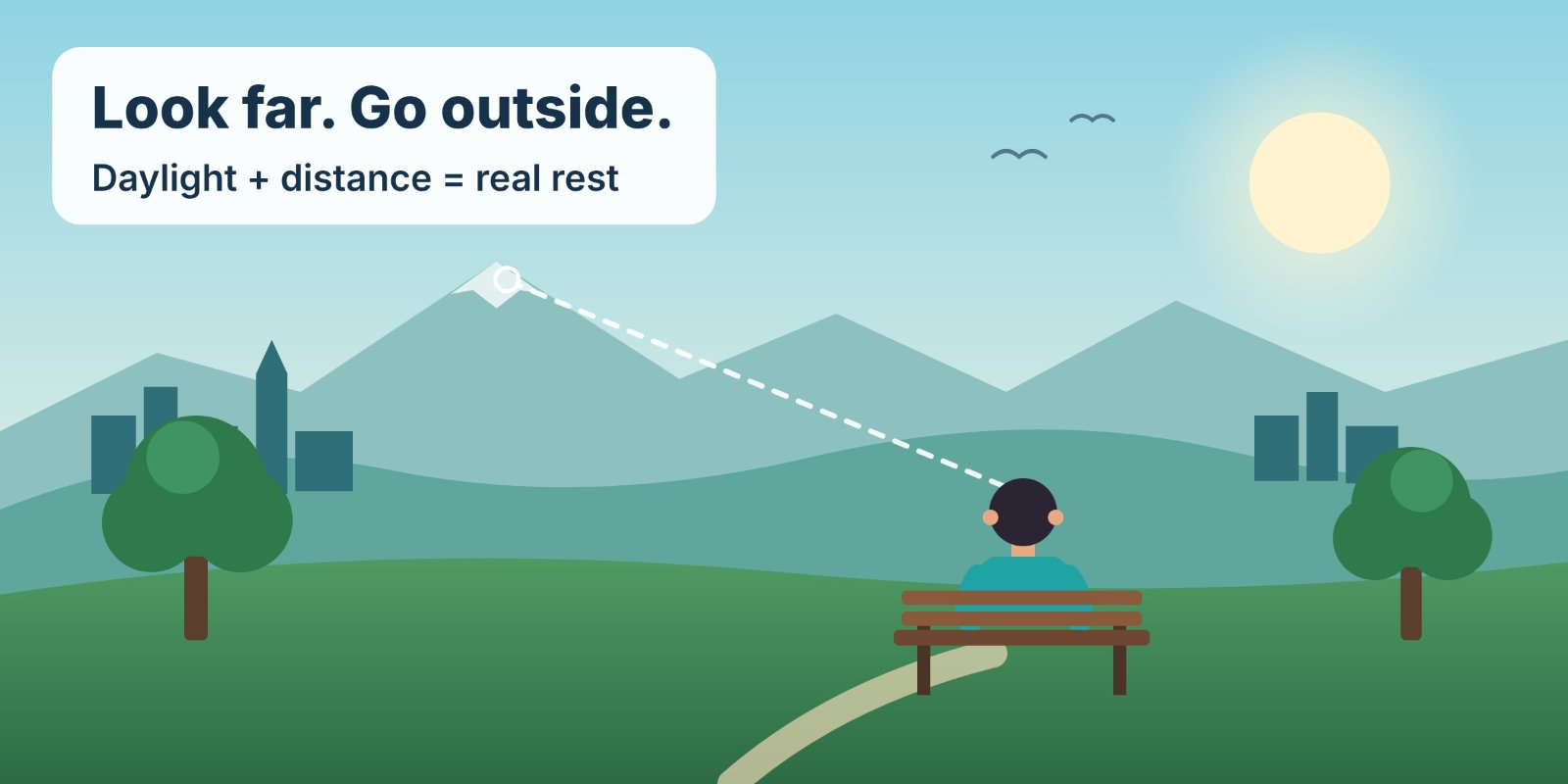
This is the part of eye care most of us skip. Researchers project that by 2050 roughly half the world's population could be short-sighted, with the highest rates in East and Southeast Asia, where around two in three people may be affected. Study after study finds that time outdoors is protective, most clearly in children. For adults, the benefit comes partly from daylight and partly from giving the eyes something far away to rest on: rooftops, trees, a river, the horizon.
So take the lunchtime walk, and take the phone call outside. Look at the hills or at the strip of sky between buildings. If you have children, their outdoor playtime may be one of the most valuable eye "treatments" available, and it costs nothing.
Know when it's more than tiredness
Digital eye strain is uncomfortable but usually temporary. See an eye-care professional if your vision stays blurry after rest, or if you have frequent headaches, sudden flashes or floaters, eye pain, or redness that won't go away. And if you're in your forties and suddenly holding your phone at arm's length to read it, that is probably presbyopia, a normal age-related change. The right glasses fix it, and left uncorrected it makes screen strain much worse. For anyone who lives on screens, a routine eye exam every year or two is a smart habit.
My take: it's a rhythm problem, not a screen problem
Here is what I've come to believe: we don't really have an eye problem, we have a rhythm problem. Our eyes evolved to scan horizons, follow movement and rest in the dark. Now we ask them to lock onto a bright rectangle half a metre away for ten hours straight, and then we're surprised when they complain. I don't think the answer is to fear technology, or to buy one more gadget to fix the side effects of the last one. I think we should treat vision the way we are slowly learning to treat posture and sleep, as something that needs a little deliberate care every day. The idea I keep coming back to is a personal "distance budget": every day, earn back at least as many minutes of looking far away as you spend scrolling on your commute, and protect that time the way you'd protect an important meeting. Ironically, the same devices that tire our eyes can be the ones that remind us to rest them. Screens aren't going anywhere. With a little wisdom, though, our eyesight doesn't have to be the price we pay for being connected.
Sources: Cochrane Database of Systematic Reviews (2023) on blue-light filtering lenses; American Academy of Ophthalmology guidance on digital eye strain; myopia projections published in Ophthalmology (Holden et al., 2016). This article is general information, not medical advice.
Get Adam's best posts in one weekly email
One email a week, no password. Unsubscribe anytime.
or continue with email
With email, we send you a sign-in link.
By joining, you agree to the Terms and Privacy Policy.
Comments
No comments yet. Start the conversation.
Sign in to comment. It takes an email address, no password.